Animations
Choose reusable motion behavior for text, scroll, hover, interaction, and media treatments.
Text Animations
Animated text reveals using GSAP SplitText
RevealText
Letter-by-letter reveal
<RevealText
  text="Your text"
  delay={0.2}
/>
Use for: Hero headlines, important titles
RevealWords
Word-by-word reveal
<RevealWords
  text="Your text"
  delay={0.2}
/>
Use for: Subtitles, taglines, quotes
SlideUpText
Slide up with mask
<SlideUpText
  text="Your text"
  delay={0.2}
/>
Use for: Section headings, feature titles
Scroll-Triggered Animations
Elements animate when scrolled into view
FadeUp
Fade + slide from bottom
<FadeUp delay={0.2}>
  <Card>...</Card>
</FadeUp>
Use for: Cards, sections, content blocks
FadeLeft
Slide from left with fade
<FadeLeft delay={0.2}>
  <div>...</div>
</FadeLeft>
Use for: Side-by-side content, testimonials
FadeRight
Slide from right with fade
<FadeRight delay={0.2}>
  <img src="..." />
</FadeRight>
Use for: Images, split sections
FadeIn
Simple fade in
<FadeIn delay={0.2}>
  <p>...</p>
</FadeIn>
Use for: Text blocks, subtle reveals
ScaleIn
Scale from small to full size
<ScaleIn delay={0.2}>
  <Card>...</Card>
</ScaleIn>
Use for: Icons, badges, feature cards, popups
RotateIn
Rotate + fade in
<RotateIn delay={0.2}>
  <div>...</div>
</RotateIn>
Use for: Playful reveals, decorative elements
ScrollStagger
Staggered child reveals
<ScrollStagger stagger={0.1} className="tw:flex tw:flex-wrap tw:gap-xs">
  <div>1</div>
  <div>2</div>
  <div>3</div>
</ScrollStagger>
Motion Utilities (CSS Classes)
Reusable motion helpers without opacity fades
tw:transition-slide-slow
Smooth slide for tracks or carousels
<div className="tw:transition-slide-slow tw:translate-x-motion-slide-demo" />
Use for: Sliders, carousels, horizontal lists
Toast state transition
A concise, directional transition prevents a notification from appearing or disappearing abruptly.
showToast("The preview is ready.", "success", { title: "Build complete" })Use for: Occasional status feedback after an action; not routine navigation.
Advanced Hero Systems
Section-level procedural motion with real DOM copy, static fallbacks, and reduced-motion handling.
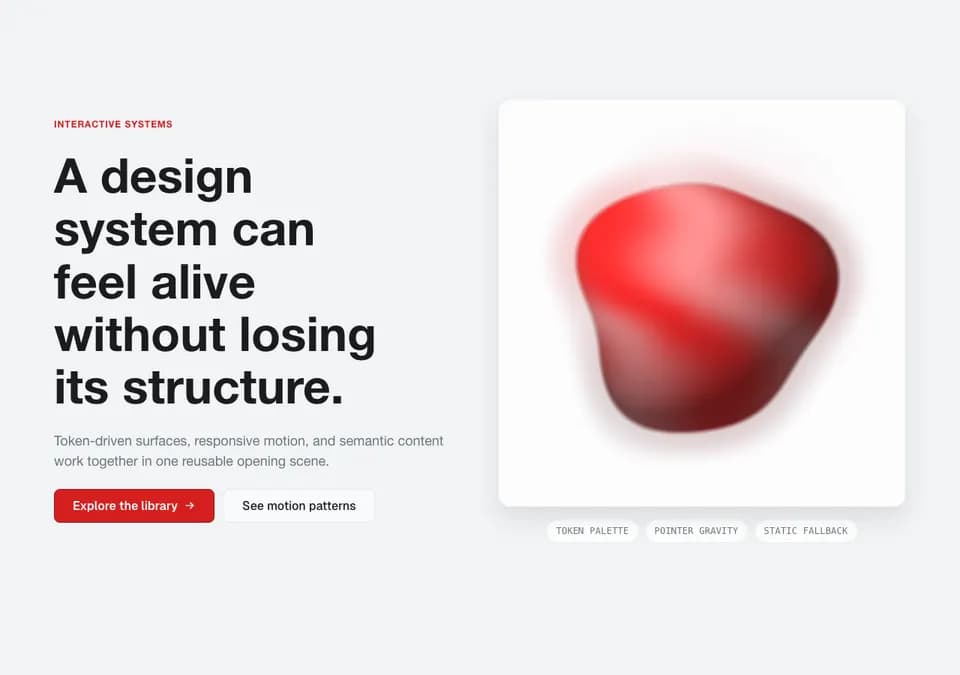
ShaderOrbHeroSection
A token-colored WebGL material study with pointer gravity and a deterministic still fallback.
Component: @/components/sections/hero/ShaderOrbHeroSection
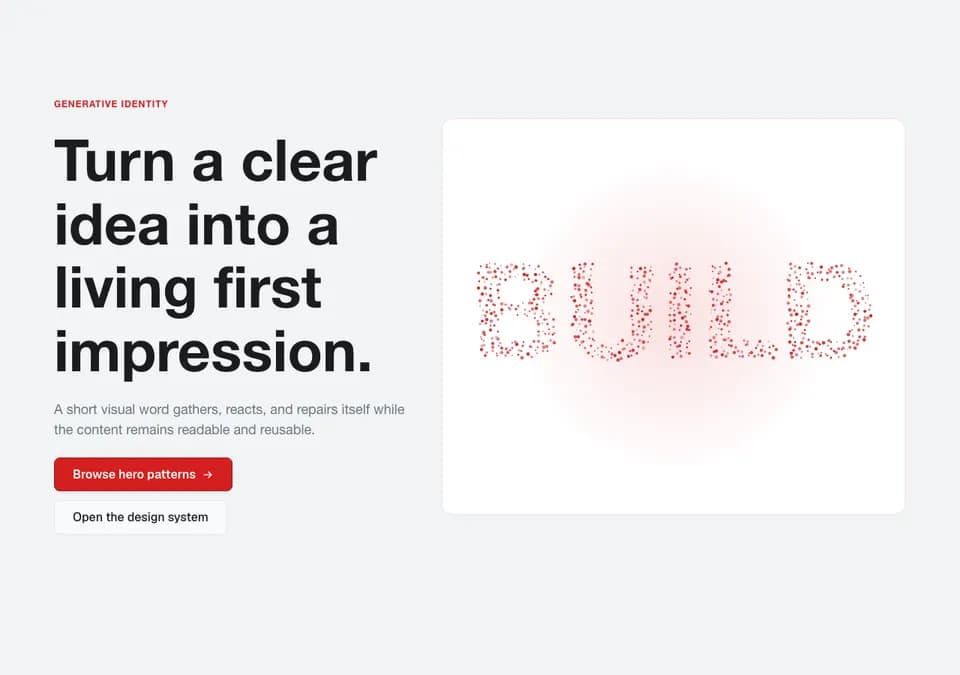
ParticleTextHeroSection
Canvas particles spring into a sampled word, carve around the pointer, and heal after it moves.
Component: @/components/sections/hero/ParticleTextHeroSection
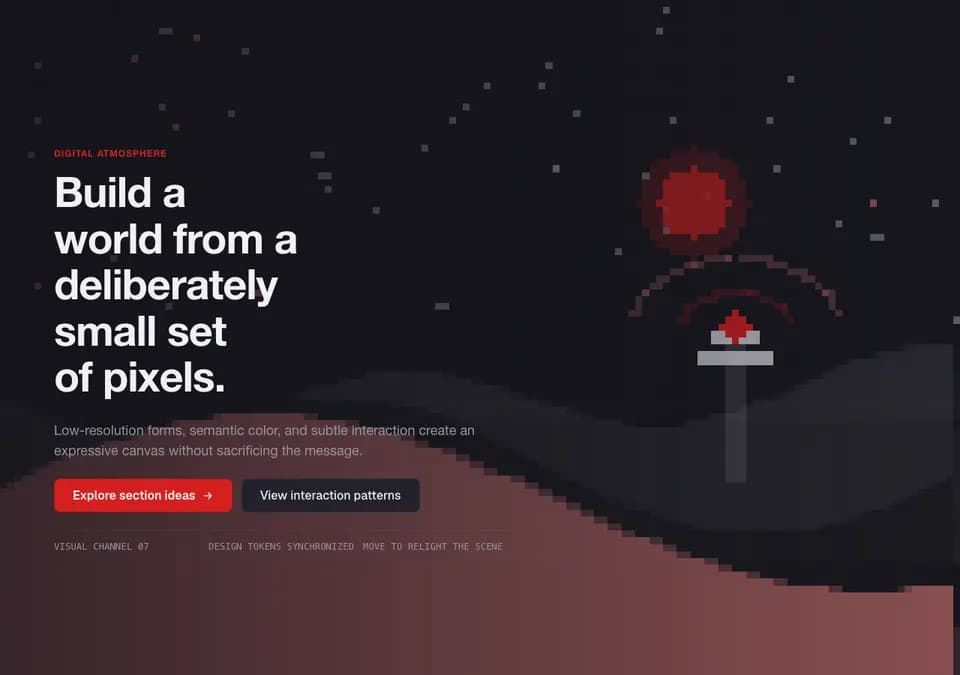
PixelMosaicHeroSection
A coherent low-resolution world rendered on one logical pixel grid with a small interactive signal.
Component: @/components/sections/hero/PixelMosaicHeroSection
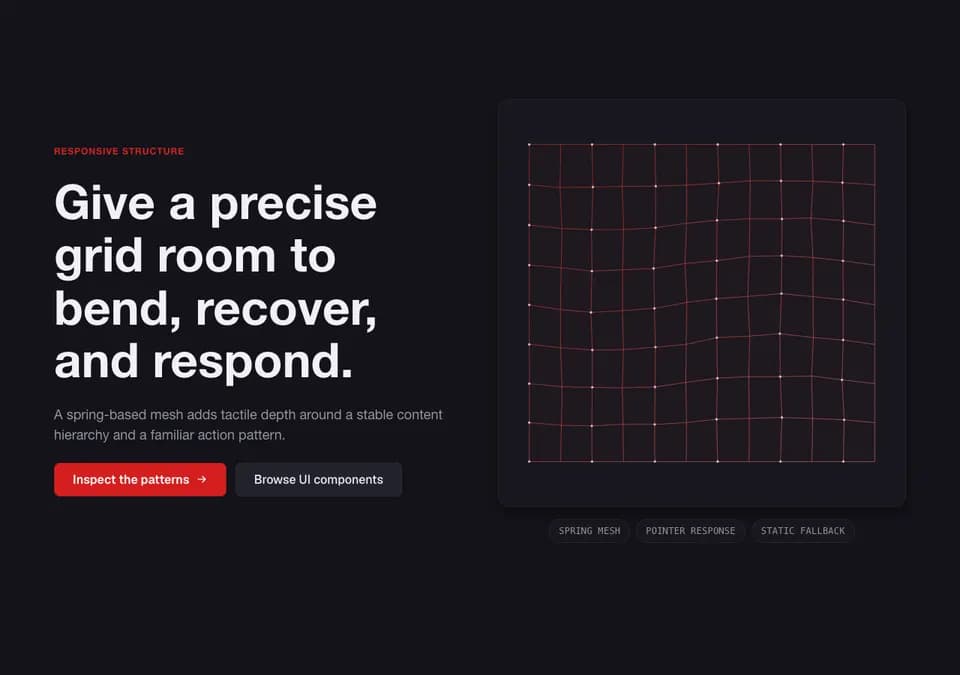
DeformableGridHeroSection
A quality-tiered spring mesh that bends around pointer movement and settles into a static reduced-motion state.
Component: @/components/sections/hero/DeformableGridHeroSection
ProceduralTerrainHeroSection
A world-scale procedural ridgeline with layered depth, fog, and restrained pointer parallax.
Component: @/components/sections/hero/ProceduralTerrainHeroSection
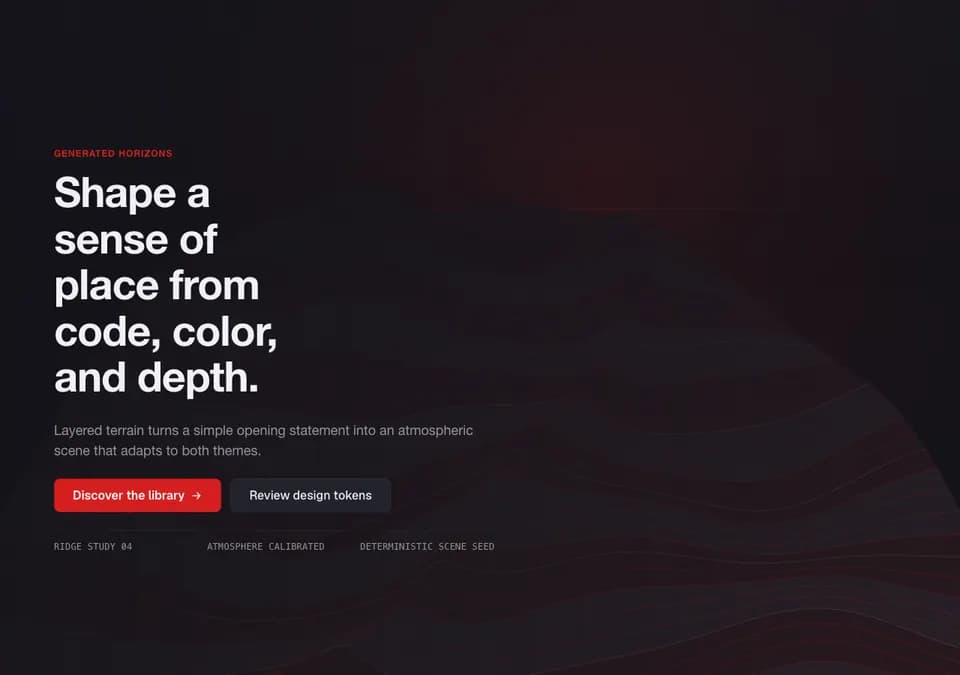
SpatialWorkflowHeroSection
A client mark becomes a raymarched 3D workflow core while semantic orchestration nodes route live signals around it.
Component: @/components/sections/hero/SpatialWorkflowHeroSection

Hover Effects (Restricted Tailwind)
Use token-backed utilities for authored motion
Card lift
Lifts up with shadow
<Card variant="default" hoverEffect="hover-lift">...</Card>
Use for: Cards, buttons, clickable items
Scale hover
Scales up slightly
className="motion-demo-scale-hover tw:motion-demo-scale-hover"
Use for: Images, thumbnails, icons
Glow hover
Glowing effect
className="motion-demo-glow-hover tw:motion-demo-glow-hover"
Use for: CTAs, primary actions, highlights
Shine sweep
Light sweep effect
className="tw:shine-sweep"
Use for: Premium items, featured content
Text slide hover
Text slides down, reappears from top
<a
  className="tw:text-slide-hover"
  data-text="Hover Me"
>
  <span>Hover Me</span>
</a>
Use for: Navigation links, menu items, interactive text links
Note: Must wrap text in <span> and add data-text attribute
Custom Cursor Effects
Five opt-in pointer treatments from one shared, theme-aware component.
CustomCursor
Component: @/components/anim/CustomCursor
A precise hotspot with a delayed outer ring and a compact pressed state.
Dot + ring
Move through the interaction stage
Product launches, agencies, and interaction-heavy landing pages. The effect stays inside this stage.
import { CustomCursor } from "@/components/anim/CustomCursor";

<CustomCursor variant="dot-ring" />
Fine mouse pointers only. Reduced motion, forced colors, touch, pen, form controls, editable content, and data-cursor-ignore targets keep the native behavior.
Component Wrappers (JS-Powered)
Advanced interactive animations
Page default
AutoPageMotion
Word reveals for page text and fade reveals for common surfaces from one shell component.
<main data-auto-motion>
  <AutoPageMotion rootSelector="[data-auto-motion]" />
  {/* page sections */}
</main>
Tilt
3D tilt effect following cursor
<Tilt>
  <Card>...</Card>
</Tilt>
Use for: Product cards, hero images, portfolios
Magnetic
Follows cursor position
<Magnetic strength={0.3}>
  <Button>...</Button>
</Magnetic>
Use for: Buttons, interactive cards, CTAs
Float
Continuous floating motion
<Float>
  <div>...</div>
</Float>
Use for: Icons, badges, decorative elements
Pulse
Subtle pulsing attention grabber
<Pulse>
  <Card>...</Card>
</Pulse>
Use for: Important alerts, status indicators, sale items
Magnetic Section
Elements react to cursor proximity
Move mouse near me!
<MagneticSection>
  <Card variant="elevated" data-magnetic-item="true">...</Card>
  <Card variant="elevated" data-magnetic-item="true">...</Card>
</MagneticSection>
Image Animations
Scroll reveals and hover effects for images
RefractiveMediaLens
Component: @/components/anim/InteractiveMedia
Move the pointer across the image to inspect the production-safe refractive lens.
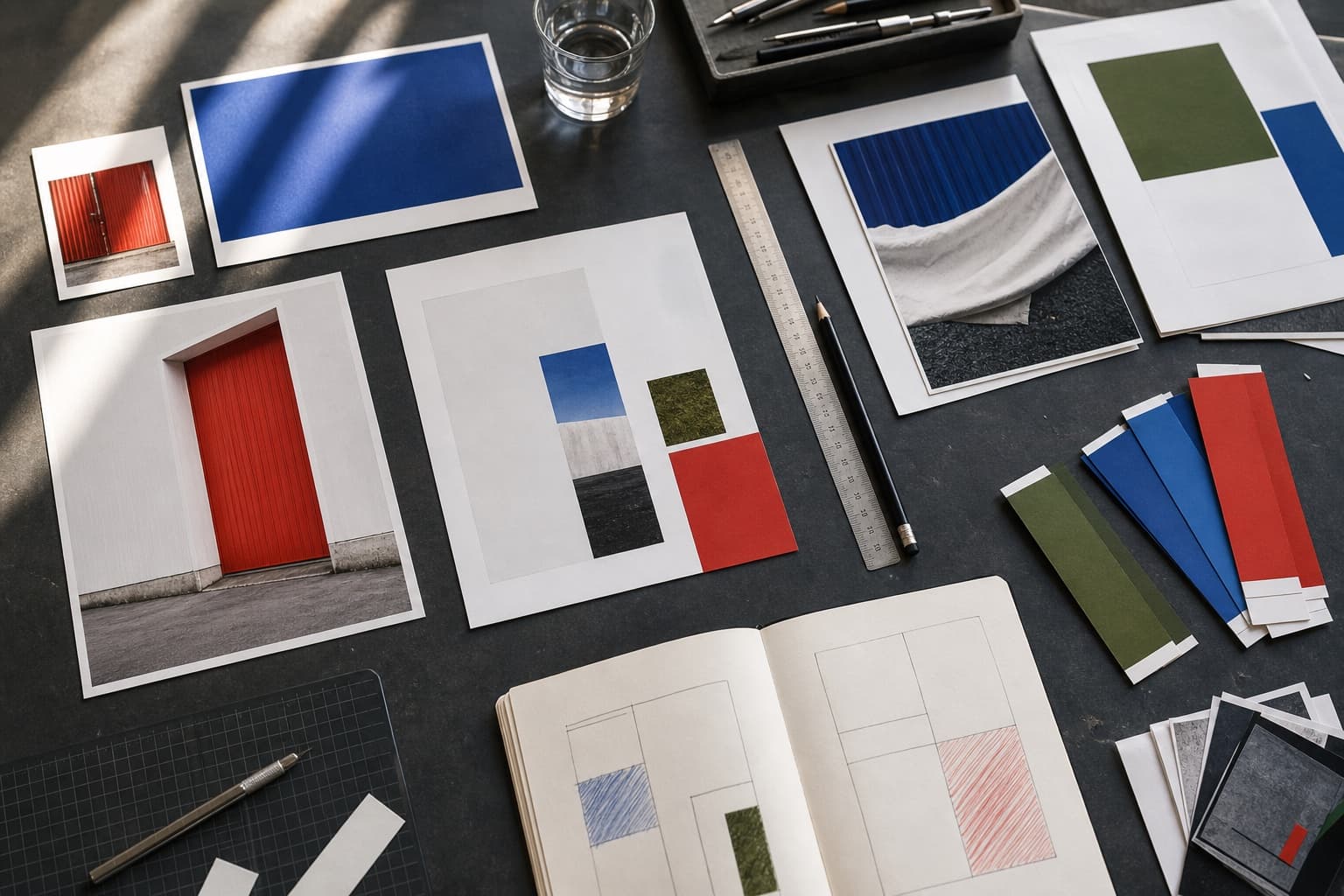
<RefractiveMediaLens
  src="/images/project.jpg"
  alt="Project material study"
  intensity="balanced"
/>
Use for: Project imagery, product detail, and editorial media
RippleMedia
Component: @/components/anim/InteractiveMedia
Press the image to launch bounded refractive waves from the interaction point.

<RippleMedia
  src="/images/project.jpg"
  alt="Project at night"
  trigger="press"
  intensity="balanced"
/>
Use for: Campaign media, selected portfolio covers, and launch moments
ImageReveal (default)
Slide from right + zoom out on scroll

<ImageReveal
  src="/image.jpg"
  alt="..."
/>
Use for: Hero images, feature showcases
ImageReveal (split)
Split from center with bounce + zoom

<ImageReveal
  variant="split"
  src="/image.jpg"
  alt="..."
/>
Use for: Portfolio work, dramatic reveals
Image Hover Effects
Interactive hover effects for images
ImageHoverZoom
Zooms in on hover
<ImageHoverZoom>
  <img src="/image.jpg" alt="..." />
</ImageHoverZoom>
Use for: Gallery images, thumbnails, product photos
ImageHoverPan
Pans/moves image on hover
<ImageHoverPan>
  <img src="/image.jpg" alt="..." />
</ImageHoverPan>
Use for: Large background images, headers, hero sections
ImageOverlayFade
Fades an overlay out on hover
<ImageOverlayFade>
  <img ... />
  <div className="image-overlay tw:image-overlay">...</div>
</ImageOverlayFade>
ImageKenBurns
Slow pan and zoom effect
<ImageKenBurns>
  <img ... />
</ImageKenBurns>
ImageGalleryStagger
Reveal multiple images in sequence
<ImageGalleryStagger>
  <img ... />
  <img ... />
</ImageGalleryStagger>